General Description
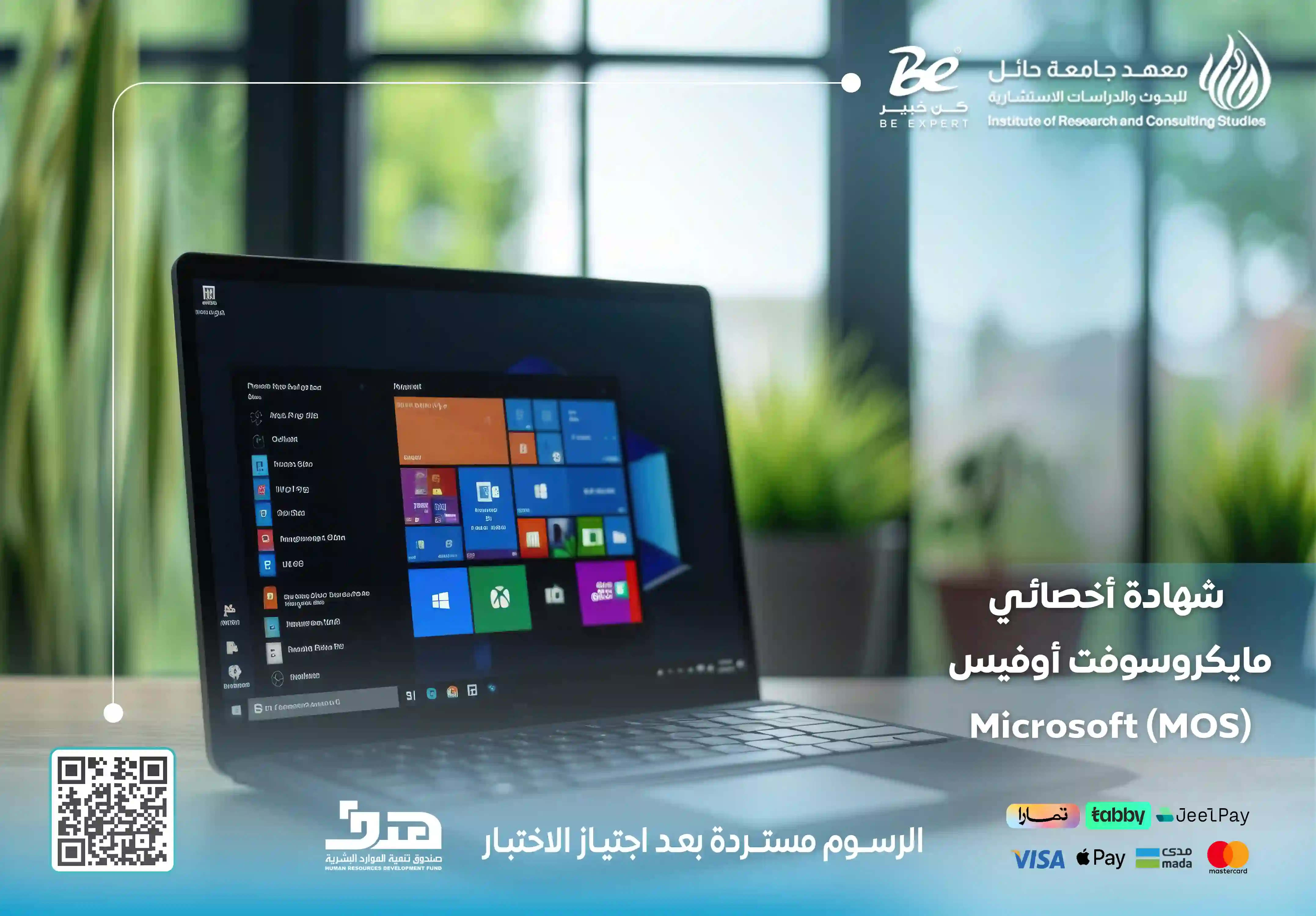
If you are aiming for excellence and professionalism in the job market, the Microsoft Office Specialist (MOS) certification provides you with the opportunity to demonstrate your skills and showcase your competence to employers. It equips you to work efficiently with all Office applications while opening up wide career opportunities across various sectors.
The Goals
- Prepare trainees to pass the Microsoft Office Specialist MOS certification exam with confidence and competence.
- Develop skills in using Microsoft Office applications such as Word, Excel, PowerPoint, and Outlook.
- Enable participants to create documents, analyze data, and design professional presentations.
- Improve trainees’ efficiency in daily office tasks within modern work environments.
- Enhance the ability to use Office tools practically to support productivity and organization.
- Strengthen the trainee’s CV with an internationally recognized Microsoft certification.
- Improve employment and promotion opportunities through mastering essential digital skills.
Target Auidence
- Employees across government and private sectors.
- Students and graduates who want to strengthen their CVs.
- Job seekers who need to improve their office skills.
- Teachers and trainers who want to use Office tools effectively.
- Business owners and entrepreneurs.
- Administrative, secretarial, and customer service professionals.
- Individuals interested in developing essential digital skills.
- Anyone who wants to master Microsoft Office applications professionally.
The Features
- A globally recognized professional certification from Microsoft.
- International accreditation that validates the trainee’s Office application skills.
- Improved employment opportunities across different sectors.
- Higher productivity and efficiency in office tasks.
- Development of document, report, and spreadsheet preparation skills.
- Improved ability to analyze data using Excel.
- Professional presentation design skills using PowerPoint.
- Mastery of email, calendar, and meeting management through Outlook.
- Strong CV support for employers and organizations.
- Training that combines theoretical explanation with practical application.
- A motivating learning environment that supports individual and group learning.
Topics
- Introduction to Microsoft Office and its importance in modern workplaces.
- Understanding Microsoft Office components and usage objectives.
- Basic and advanced skills in using Office applications.
- Microsoft Word: creating and managing documents.
- Formatting text, paragraphs, and tables in Word.
- Inserting references and different elements into documents.
- Microsoft Excel: creating spreadsheets and organizing data.
- Using Excel for data analysis and reporting.
- Formatting tables, documents, and managing data efficiently.
- Microsoft PowerPoint: creating and managing presentations.
- Applying transitions and animations in presentations.
- Designing clear and professional presentations.
- Microsoft Outlook: managing email.
- Organizing calendars, meetings, and contacts.
- Practical applications to prepare for the international MOS exam.
Learning outcomes
- Ability to use Microsoft Office applications efficiently and professionally.
- Mastery of document and report preparation using Word.
- Skills in organizing and analyzing data using Excel.
- Ability to design professional presentations using PowerPoint.
- Effective management of emails, meetings, and tasks through Outlook.
- Improved speed and accuracy in completing daily office tasks.
- Stronger digital skills required in the job market.
- Readiness to pass the international MOS certification exam.
- Increased employment and promotion opportunities through a globally recognized certification.
- Greater confidence in using Office tools across different work environments.
Requirements And Conditions
- A desire to develop digital and office skills.
- Basic knowledge of computer usage.
- Interest in mastering Microsoft Office applications such as Word, Excel, PowerPoint, and Outlook.
- Commitment to attending the training program and participating in practical exercises.
- Readiness to practice MOS exam-style questions and tasks.
- A suitable computer for practical application.
- A stable internet connection for online training.
- Ability to follow practical instructions and complete required exercises.
- Readiness to take the international MOS certification exam after completing the training.
FAQs
The Blog
Microsoft Office Specialist (MOS) Certification
The MOS (Microsoft Office Specialist) certification is one of the most globally recognized professional credentials for mastering Microsoft Office applications such as Word, Excel, PowerPoint, and Outlook. This certification is issued by Microsoft, and the exams are delivered through Certiport, the internationally authorized testing provider.
This certification equips holders with the ability to use Office tools efficiently, develop skills in document creation, data analysis, and professional presentations, thereby enhancing credibility, increasing employment opportunities, and helping professionals stand out in modern workplace environments.
At the Institute of Research and Consulting Studies at the University of Hail, we offer a comprehensive MOS training program that combines interactive learning with hands-on practice. The course prepares you to pass the international exam confidently while mastering Microsoft Office tools professionally, enhancing your productivity and career opportunities.
Benefits of Obtaining the MOS Certification
The Microsoft Office Specialist certification is a highly valuable professional credential that gives you a competitive advantage in the job market. It validates your proficiency in Microsoft Office applications and helps you perform office tasks efficiently.
Key benefits include:
-
Enhancing employment opportunities across various sectors.
-
Increasing workplace efficiency and productivity.
-
Developing advanced skills in document creation and data analysis.
-
Improving presentation and professional communication skills.
-
Strengthening proficiency in Microsoft Office tools.
-
Enhancing your resume for employers and international organizations.
-
Earning a globally recognized certification in office productivity tools.
Who Should Attend the MOS Course?
The MOS certification course is designed for a wide range of individuals and organizations seeking to improve their proficiency in Microsoft Office applications and enhance performance in work and academic environments.
Target participants include:
-
Employees across various industries.
-
Students and graduates seeking to strengthen their resumes.
-
Teachers and trainers.
-
Entrepreneurs and business owners.
-
Individuals interested in developing digital skills.
MOS Course Content
The MOS course focuses on providing participants with practical knowledge and essential skills to master Microsoft Office applications while preparing them to pass the international certification exam confidently.
Main course modules include:
- Introduction to Microsoft Office: Understanding the importance of Office applications, advanced features, objectives, and core components.
- Microsoft Excel: Creating spreadsheets, formatting data, managing worksheets, using formulas and functions, and analyzing data.
- Microsoft PowerPoint: Creating and managing presentations, applying transitions and animations, and designing professional slides.
- Microsoft Word: Creating and managing documents, formatting text and tables, inserting references, and producing professional reports.
- Microsoft Outlook: Managing emails, calendars, meetings, tasks, and contacts efficiently.
Why Choose the Institute of Research and Consulting Studies?
The Institute of Research and Consulting Studies at the University of Hail is the ideal choice for MOS certification preparation. It combines academic expertise with practical training and provides a motivating learning environment that ensures effective skill acquisition.
What makes our program stand out:
-
Internationally accredited training programs aligned with global standards.
-
Trainers with extensive academic and professional experience.
-
Integration of theoretical knowledge with practical application.
-
Continuous participant support and guidance throughout the course.
-
An engaging learning environment that encourages interaction and collaboration.
-
High trainee satisfaction rates reflecting training quality.
-
Modern teaching methods and up-to-date learning technologies.
-
Strong focus on improving participant efficiency and career opportunities.
Don’t miss the opportunity to enhance your digital skills and master Microsoft Office applications professionally. Join the MOS certification course at the Institute of Research and Consulting Studies at the University of Hail and gain full preparation to pass the international exam with confidence and excellence. Contact us today and let us help you achieve professional success.